Make Space
A quiet visual system that lets your work feel intentional, not crowded.
DeskVybz is a customizable calm space for the tools, workflows, and little moments that make a day feel more yours.
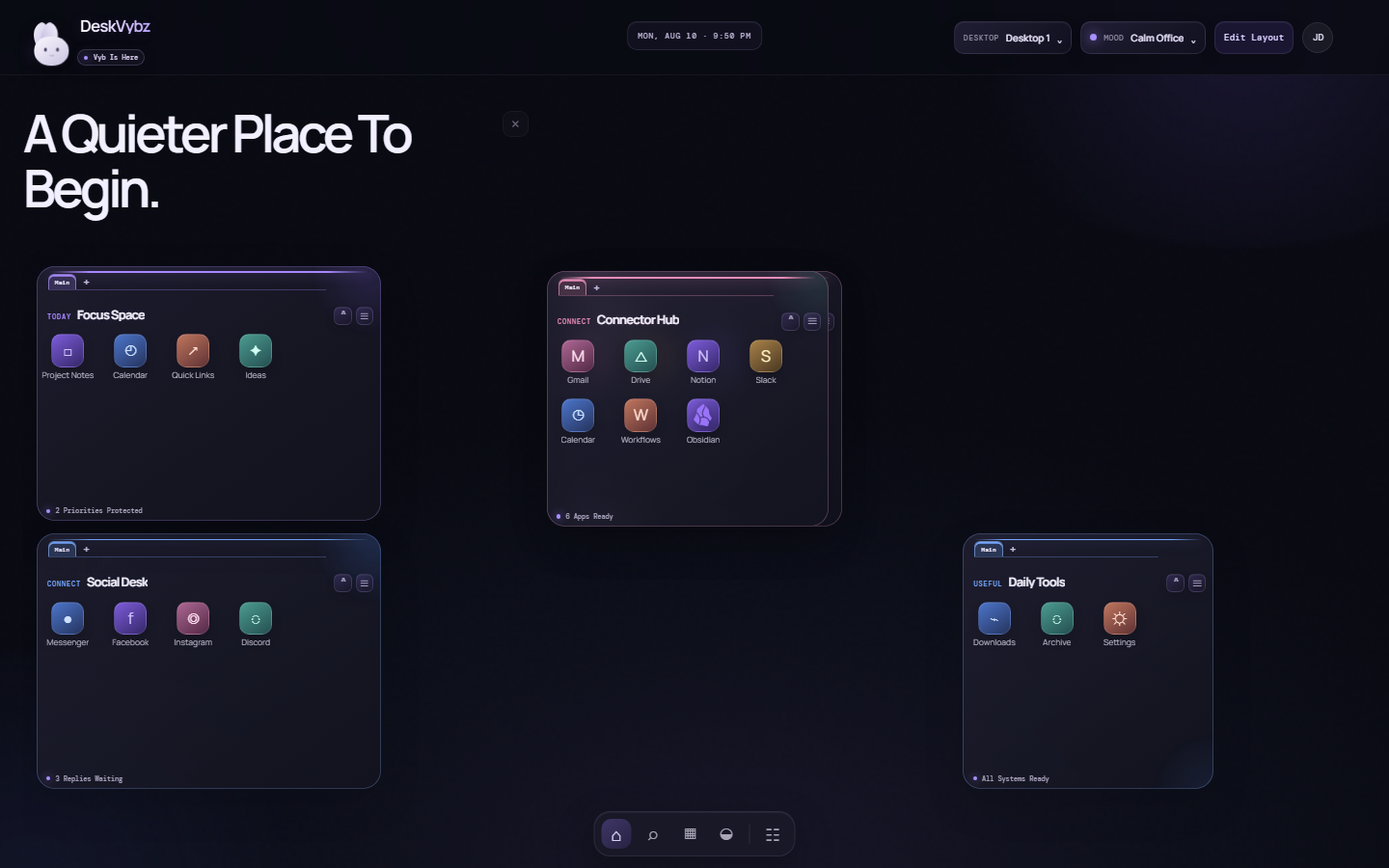
A quiet visual system that lets your work feel intentional, not crowded.
Desktops, moods, cards, tabs, and accents are shaped around your routine.
Features are designed around clear actions, consent, and user-owned choices.
Every visual element has a job: make the next action clear, keep the desktop flexible, and preserve some breathing room.
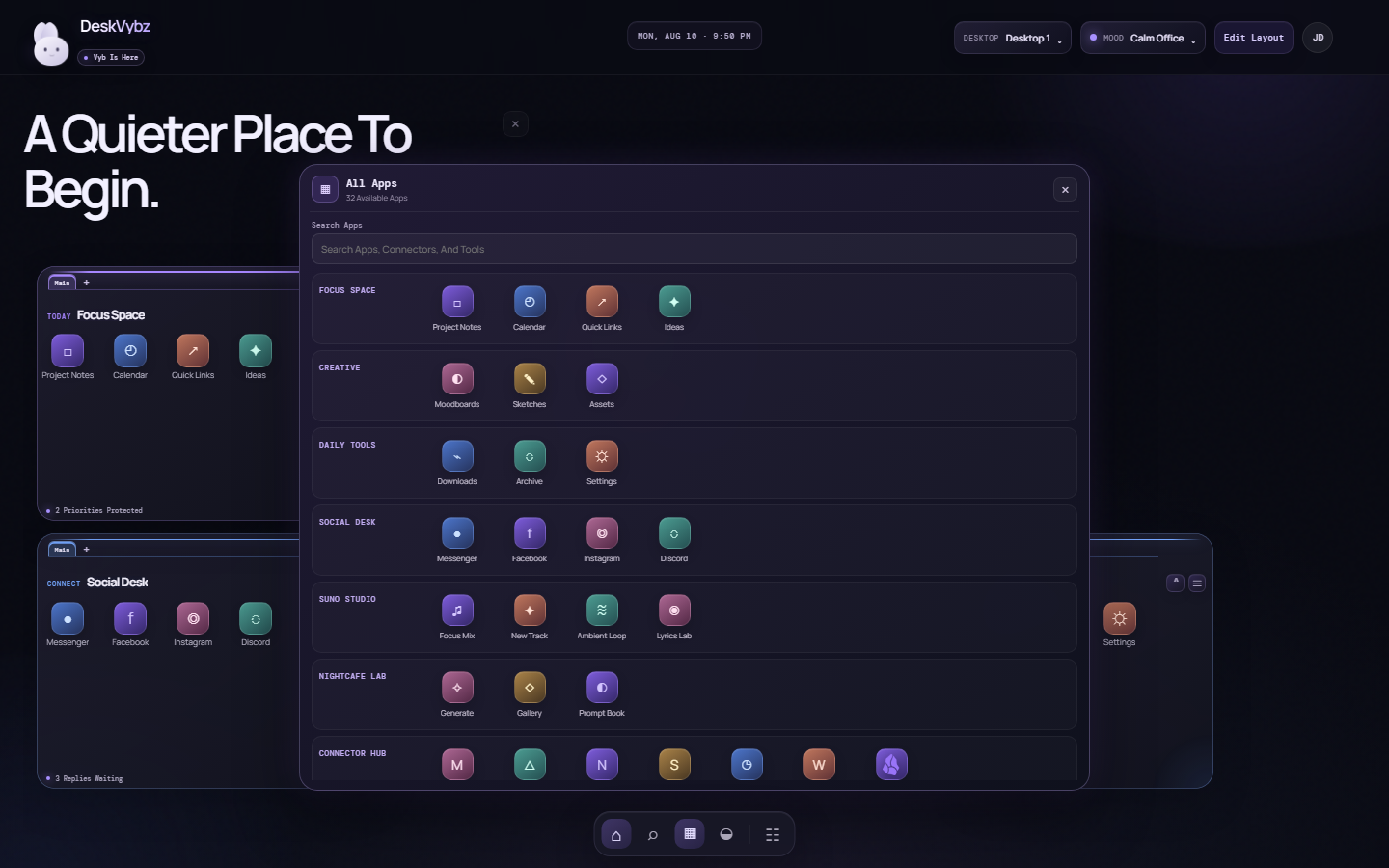
The pinned dock opens a categorized app drawer. Find connected services, creative tools, and workspace shortcuts without turning the desktop into a wall of icons.
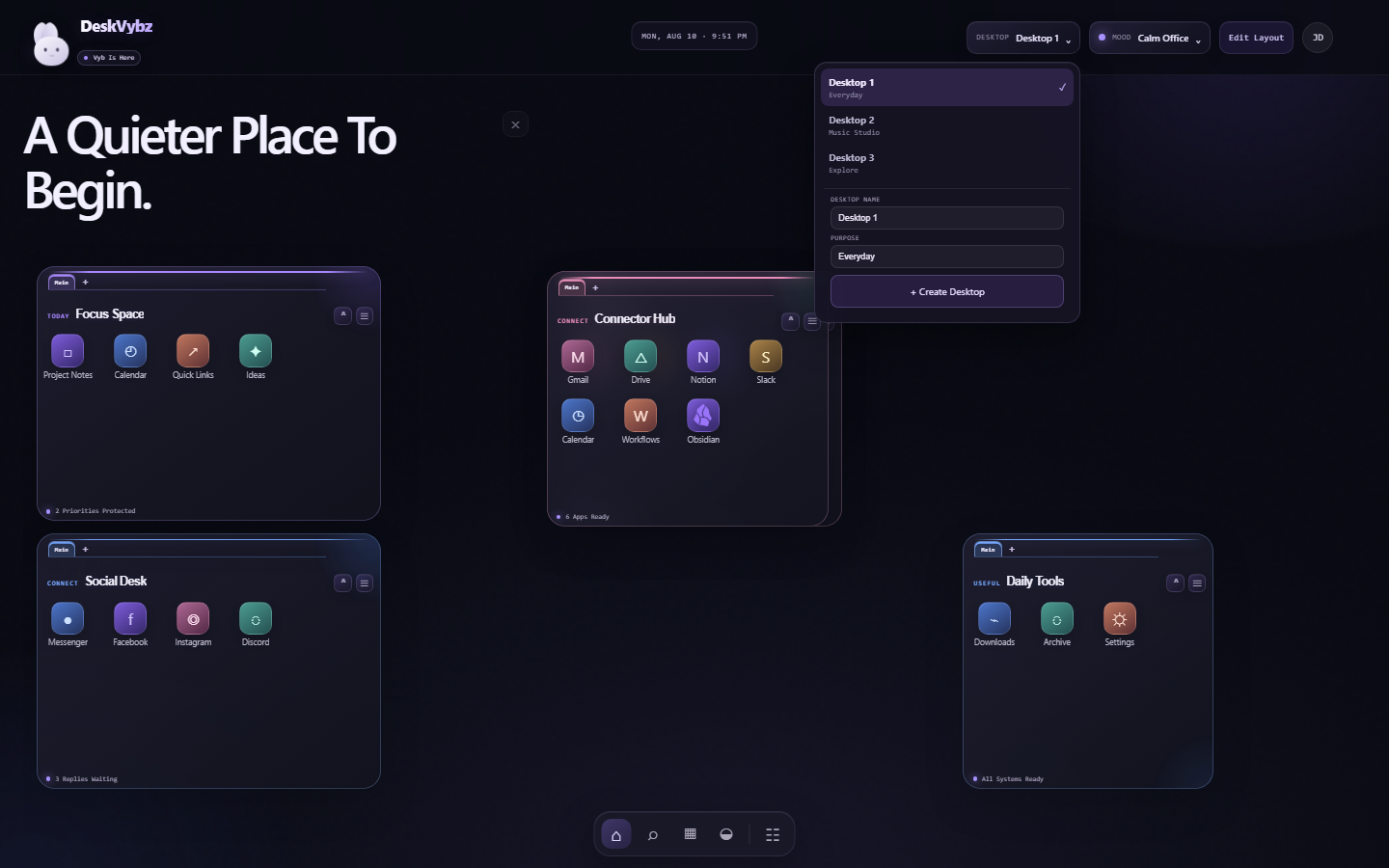
Give each desktop a useful name and purpose: a daily home, a Suno music studio, a game lounge, or whatever helps you get into the right headspace.
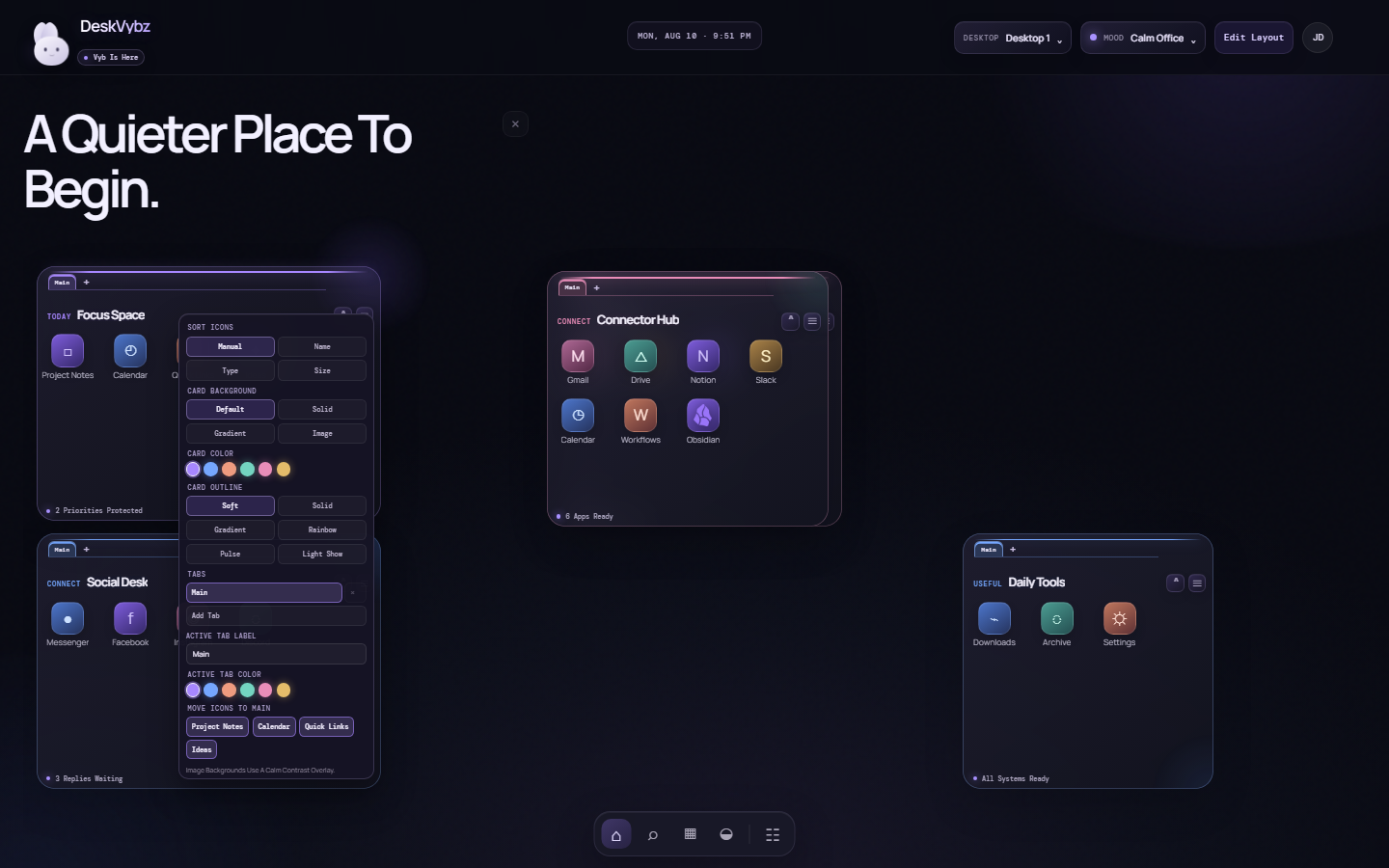
Use tabs, background styles, outlines, icon sorting, and compact controls to make every group fit the way you actually work.
A friendly desktop presence with a companion studio and clear user-request boundaries.
Move, resize, collapse, color, and organize cards with consistent visual alignment.
Visual placeholders for social, creative, notes, cloud, media, and productivity tools.
Changes are saved per desktop so switching contexts does not erase your setup.
The current version is an early visual and interaction prototype. Feature decisions, polish, and safeguards are being tested openly as DeskVybz takes shape.
Follow Development ↗DeskVybz is an early prototype. It can contain unfinished features, defects, crashes, compatibility issues, and unexpected behavior, including loss or alteration of files, data, settings, and layouts. Keep backups and do not rely on it for safety-critical or other high-consequence work.
Downloading, installing, or using DeskVybz is at your own risk. To the fullest extent permitted by applicable law, DeskVybz is provided "as is" and "as available," without warranties. LeOtter.site, LeOtter, DeskVybz, SYM Services, Terry Handel, and the related SYM Services entities and contributors are not responsible for losses or damages arising from the prototype's installation or use.
If you do not accept these terms, do not download or install DeskVybz.